A practical checklist for comparing a new or old Anime Salt APK claim

Anime Salt Latest Version: Check Old APK Claims Safely
Table of contents
If you searched for the Anime Salt latest version, you probably want a number you can trust before opening an APK file. The safer answer is more careful: a number printed on a download page is only one claim, not proof of a current official release.
As of September 8, 2026, the public Google Play listing checked for Anime Salt uses package name com.animesalt.animewatch and describes an anime discovery app. It does not verify a separate streaming APK, a site-listed v9.8 build, a 29 MB file, or a direct APK link.
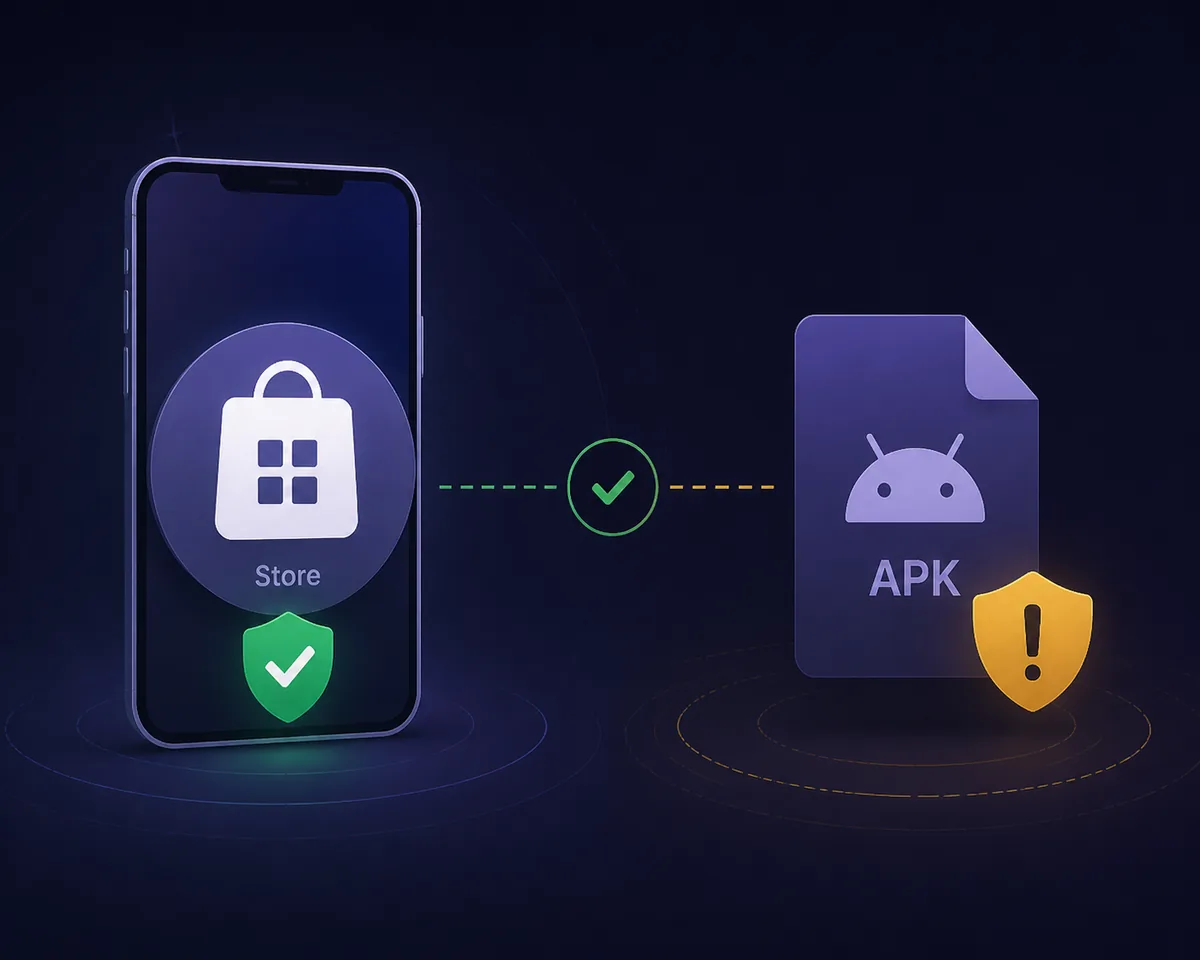
Anime Salt latest version: the quick answer
There is no single version number that this guide can responsibly label as the latest official streaming APK. The strongest public record found is the Google Play listing for com.animesalt.animewatch, but its description is for an anime discovery app rather than proof of the streaming and offline-download claims attached to third-party APK pages.
The site-listed v9.8 and 29 MB details already shown on some Anime Salt pages remain unverified. Do not upgrade simply because a mirror uses a higher number, a “new version” badge, a countdown, or a button that looks like the Play Store.
Best rule: treat “latest” as a release trail that can be checked, not as the largest number on a download page.
What is currently verified about the Anime Salt app
The official store record matters because it gives you an identifiable publisher and package entry. It is still important to read what that record actually says instead of borrowing features from an unrelated APK description. Store presence does not automatically validate every file using the same name.
The check completed on September 8, 2026 found no first-party changelog or stable developer page that verifies a streaming APK release matching the site-listed v9.8 claim. Because the release path is incomplete, this article does not provide a guessed direct file URL or call an unverified number safe.
| Claim or record | What it tells you | How to use it |
|---|---|---|
| Google Play listing | A public app entry and package identity | Compare the publisher and description with the file you found. |
| Version number | A label supplied by a store or file page | Check its date and release trail; do not treat the number alone as proof. |
| File size | The size of one particular artifact | Use it only when the source and exact file are known. |
| Mirror download button | A route controlled by the mirror | Inspect the domain and redirects before downloading. |
| APK permissions | Capabilities requested by the installed package | Reject unrelated access and keep Play Protect enabled. |
The article’s current fact boundary is deliberate: the public store listing is verified, while a separate official streaming APK release is not.
How to check an Anime Salt APK version number
Start with the version details inside the source record, not the large text on the download button. A useful record connects a version to a publisher, package name, release date, changelog, and a stable page where the same information can be checked later.
If Android already has the app installed, open Settings, Apps, Anime Salt, and the app details screen. Compare the installed version with the source page. The installed value tells you what is on the device; it does not prove that a new file from a mirror is authentic.
-
Write down the exact version string
Copy the full value, including dots, letters, or build numbers. Do not shorten v9.8, 1.0.0, or another label when comparing sources.
-
Record the check date
A version page can change without notice. Add the date you checked it so an old screenshot or cached result is not mistaken for a current release.
-
Match publisher and package
Compare the app name with the publisher and package identifier. A familiar name with a different package is a separate app until proven otherwise.
-
Look for release notes
A real update normally has some explanation of changes, compatibility, or fixes. Missing notes do not prove malware, but they reduce confidence.
-
Compare the installed result
After installation, check the Android app information screen again. Stop if the package, publisher, or requested behavior differs from the source record.
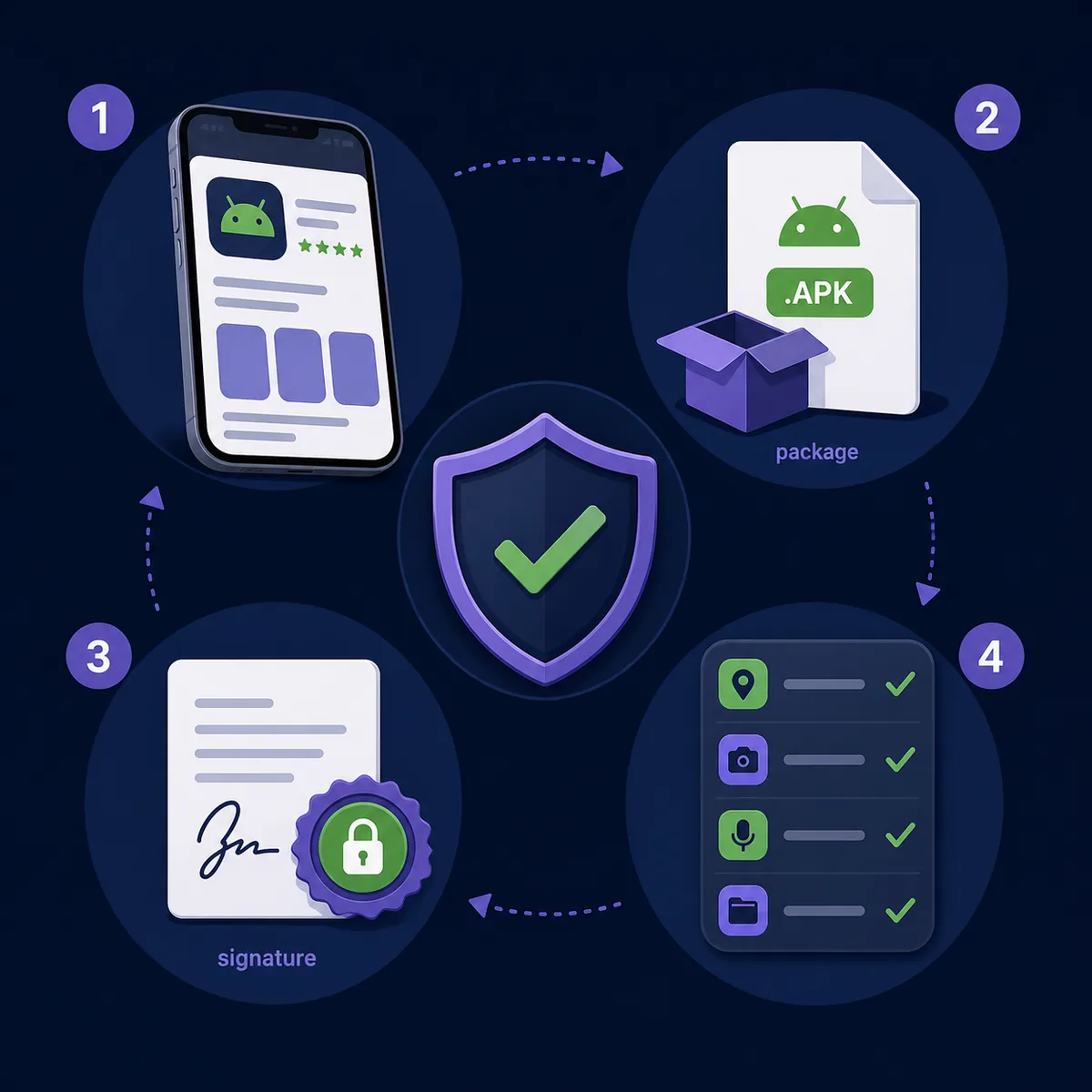
Package name, source, and permissions: the checks a version number misses
The package name is one of the most useful identifiers because two apps can share similar names while being different packages. On Android, open the app information page after installation and compare the package shown by a trustworthy source. If a page hides the package, uses a shortened link, or asks you to ignore a mismatch, treat that as a stop signal.
Next, inspect the source path. Check the spelling of the domain, HTTPS, redirects, unexpected pop-ups, and whether the final file is really an APK. Avoid pages that bundle a downloader, request unrelated personal information, or force several “update” buttons before the file appears.
- The publisher name is visible and matches the source record.
- The package name is recorded instead of being inferred from the app icon.
- The download domain is spelled correctly and does not hide a redirect chain.
- The file type, size, and version are shown for the same artifact.
- The requested permissions make sense for the app’s stated purpose.
- Play Protect and Android security warnings remain enabled.
A matching icon or familiar title is not enough. Identity is the combination of publisher, package, source, release record, and behavior.
When to update, keep the current version, or stop
Updating is reasonable when the new release comes from a source you can identify, the package matches the installed app, the release notes explain the change, and Android does not show an unexpected warning. Make a backup of anything important before replacing an app, especially when the source is outside the store.
Keeping the current version is often better than chasing a vague “latest” label. If the app still works and the proposed update has no verifiable publisher, date, or package, wait for a better release record rather than accepting a random mirror.
| Situation | Safer action | Why |
|---|---|---|
| Matching package and documented release | Update after a small test | The update has an identifiable trail. |
| Higher number, no publisher or notes | Wait and verify | A number can be changed by the mirror. |
| Different package or signature warning | Stop and delete the file | You may be installing a different app. |
| Mod, premium unlock, or forced security change | Do not install | The claim adds risk without reliable proof. |
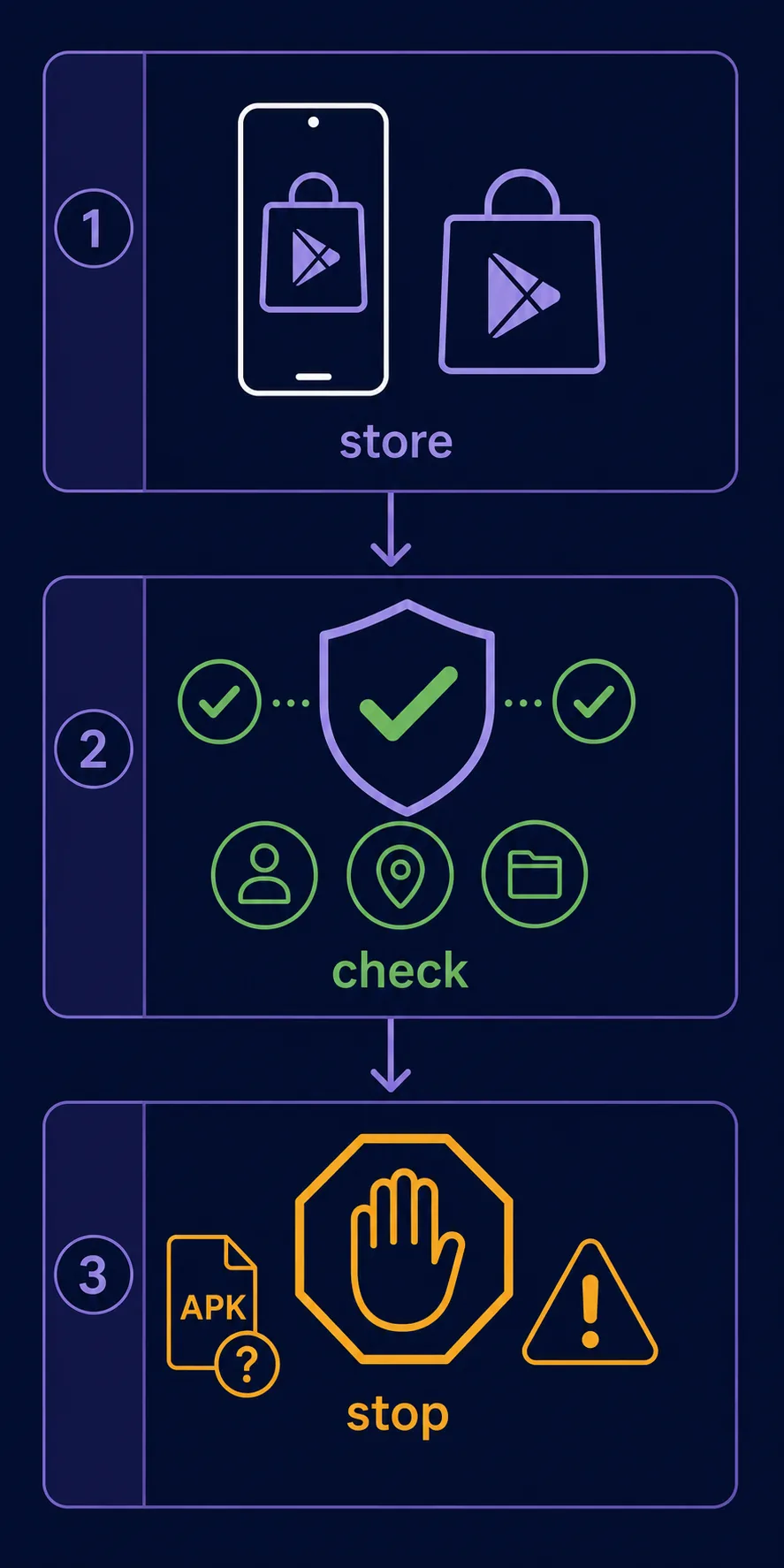
Old-version troubleshooting without downloading blindly
An old version is not automatically dangerous, and a new version is not automatically trustworthy. If an installed Anime Salt app stops working, first note the installed package and version, then check whether the failure is actually network, server, storage, subtitle, or device compatibility related.
Use the smallest change first: restart the device, clear only the app cache, test a stable connection, and review available storage. Do not uninstall a working app until you know where a replacement can be checked. Keep the old installer only if its source and integrity are documented; otherwise remove unknown copies.
Playback or network issue
Test another connection and the existing app before assuming a new APK is required.
Storage or install issue
Free space, remove duplicate installers, and check the exact Android error message.
Subtitle or audio issue
Test another source or player setting; an update is not the only explanation.
Unexpected update prompt
Close the page, inspect the domain, and do not disable security to continue.
Related Anime Salt verification guides
- Anime Salt App Review — Compare the public listing and identity checks.
- Anime Salt Website Safe Link Guide — Inspect domains, redirects, and misleading download pages.
- Anime Salt Premium APK Safety Guide — Review premium and modified APK warning signs.
- Anime Salt Not Working Fixes — Separate an app problem from an uncertain update claim.
Anime Salt latest version FAQ
Bottom line: verify the trail, not just the number
The Anime Salt latest version question cannot be answered responsibly by copying the highest number from a mirror. On September 8, 2026, the verified public record was a Google Play discovery-app listing, while a separate streaming APK release matching the v9.8 and 29 MB claims was not independently verified.
About the author
Sophie Nakamura
Mobile tech writer and APK safety guide editor
Sophie Nakamura writes practical guides about Android apps, APK installation, source verification, and safer troubleshooting for people who use phones, tablets, and TV devices.
Sources checked
- Google Play listing for Anime Salt, package com.animesalt.animewatch — Official store record checked September 8, 2026; its description is for an anime discovery app.
- Android Developers: App permissions overview — Background on Android permission behavior.
- Google Play Protect help — Keep platform scanning and warnings enabled when installing apps.
Last updated: October 12, 2026