Anime Salt App Review: How to Verify Its Identity Before Installing
What the public app listing proves—and what an unverified APK page does not.

In this guide
Searches for anime salt app often mix a store listing, third-party APK pages, and instructions for using the name on Android TV. That makes a quick download answer risky: the same brand wording can point to different packages.
This review separates identity, freshness, and safety. It does not label an unverified file official, latest, virus-free, or guaranteed safe.
Use the checklist below before installing, and open the installation guide only after the file’s source, package name, permissions, and Play Protect result make sense.
What does Anime Salt App mean?
The phrase anime salt app is a search label, not a cryptographic identity. Search results can combine a Google Play entry, a website describing a streaming APK, mirror pages, and guides that use the same brand words. Those sources may not belong to one publisher or even describe the same software.
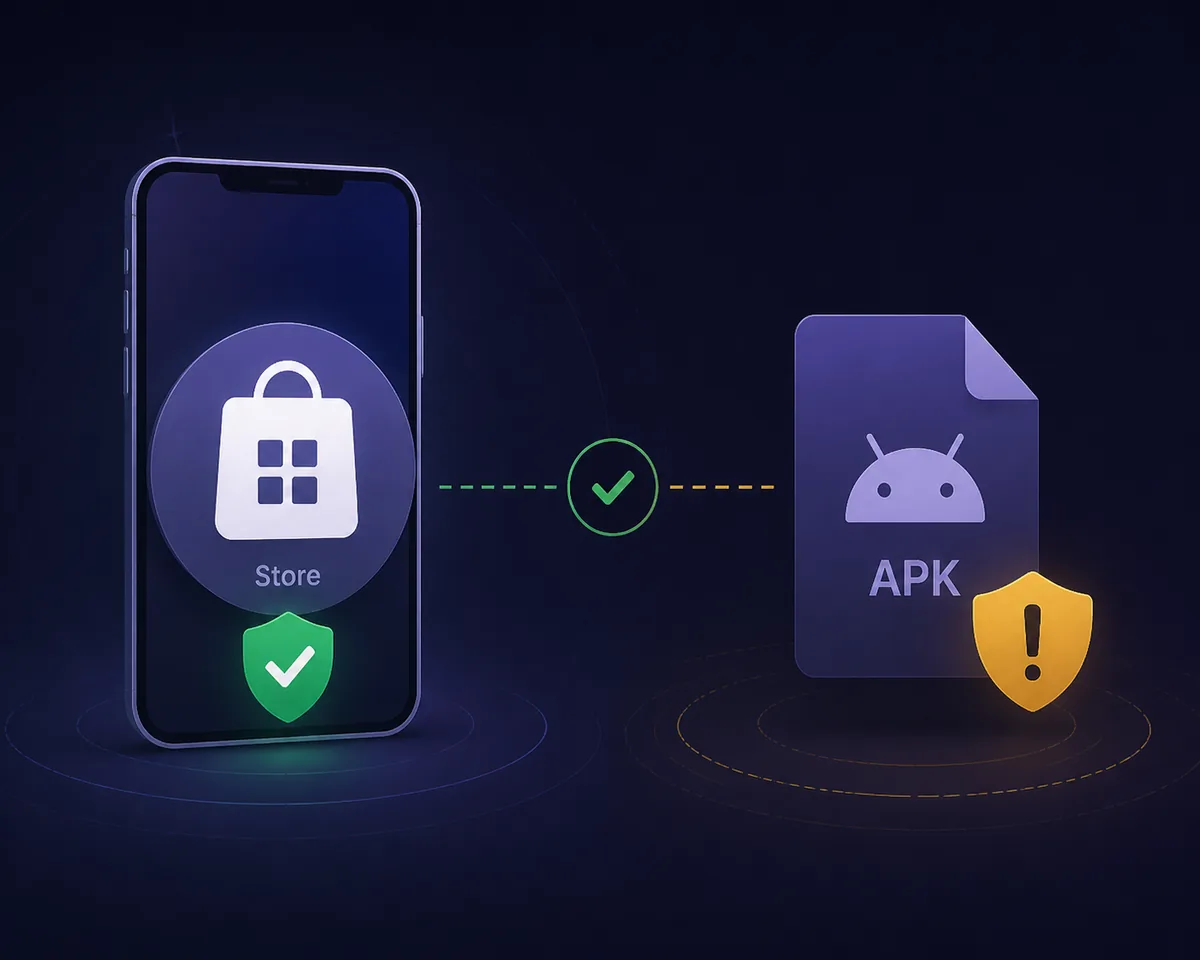
The public Google Play page checked for this review lists package com.animesalt.animewatch and presents an anime-discovery experience. That is useful evidence about that store listing, but it does not prove that a separate streaming APK page is its official companion or that a file advertised as v9.8 and 29 MB is current.
| Signal | What it can show | What it cannot show |
|---|---|---|
| App name | The wording users search for | That every page uses the same publisher |
| Package ID | Which Android package a listing identifies | That a different APK has the same signer |
| Site-listed v9.8 / 29 MB | What one page claims | Latest status, authenticity, or safety |
| Download button | Where a page sends the visitor | That the file is official or clean |
The safest answer to “is Anime Salt App official?” is: verify the exact package and publisher; a matching name alone is not evidence.
Identity check: app listing versus APK page
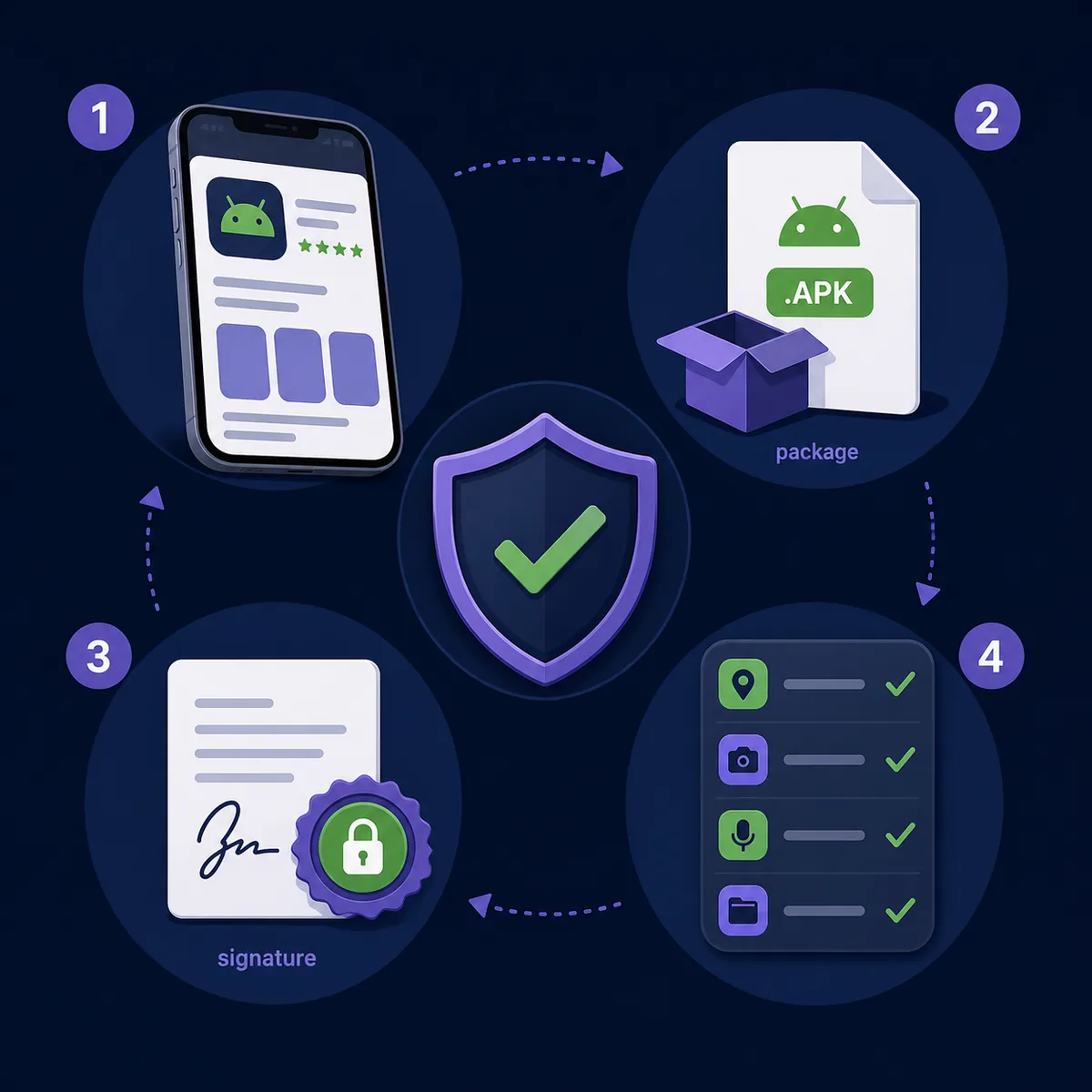
A store listing and an APK download page should be treated as separate records until their publisher name, package ID, signing certificate, release notes, and support links line up. A page that only repeats a logo, screenshots, or a version number has not established that relationship.
For this site, the checked Google Play listing is a reference point, not a blanket endorsement. The accessible listing does not publish a verifiable matching streaming-APK release record, so the site-listed version, file size, catalog claims, and direct-download claims remain source-specific and unverified.
- Compare the package name instead of trusting the app title or logo.
- Check whether the publisher links to a real support or privacy page.
- Look for a dated release note, changelog, and stable source URL.
- Review requested permissions and stop if they do not fit the app’s purpose.
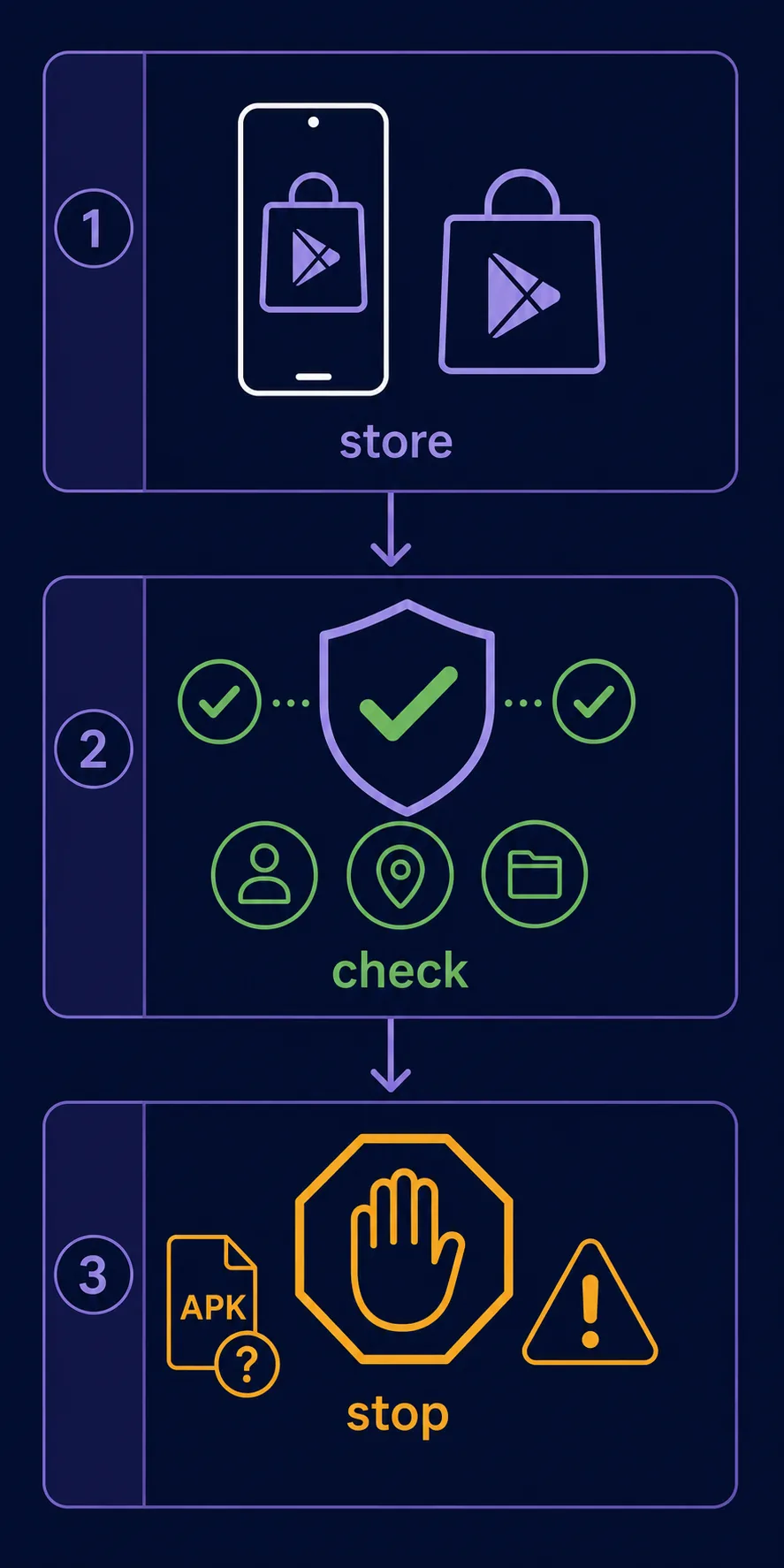
- Keep Play Protect enabled and treat warnings as a stop signal, not an obstacle.
A matching package name is necessary but still not sufficient: signer, source, permissions, and release evidence should agree.
Safety checklist before installing an APK
There is no verified first-party streaming APK file to link from this review. The safer fallback is the public store page or a source page that can be independently checked. Do not use a guessed CDN path, a timed redirect, or a mirror that hides the file identity.
A clean-looking download page can still lead to a modified package, aggressive adware, or an unrelated installer. Before opening an APK, record the source, package identity, version label, file hash if available, requested permissions, and the result of Android’s security checks.
Publisher and package
The publisher, package name, app label, and support domain should describe the same product.
Release evidence
Prefer a dated release note or store update record over a bare “latest version” badge.
Permissions
Unexpected access to SMS, contacts, accessibility, or device administration deserves a hard stop.
Download behavior
Multiple redirects, forced notifications, disabled Play Protect instructions, or bundled installers are red flags.
A version number and file size are consistency clues only. They cannot replace a trusted source, package verification, and an independent security check.
Should you install Anime Salt App?
If you only need the app name or a way to compare public metadata, the review is useful without downloading anything. If you need a streaming APK, pause until the exact publisher, package, signer, release record, and source are verifiable.
The site’s older v9.8 and 29 MB details are retained only as unverified claims reported by the site. They are not presented as the latest version, an official file size, a malware result, or a safety guarantee.
For Android TV or Firestick, use the device-specific checklist and do not sideload a file merely because it is advertised as compatible. Compatibility and legitimacy are separate questions.
| Situation | Recommended action |
|---|---|
| The store listing and publisher match your installed app | Use the store update path and review permissions. |
| A third-party APK has no signer or release notes | Do not install; keep looking for a verifiable source. |
| The button opens redirects or asks to disable security | Close the page and do not continue. |
| You need a stable, legal anime catalog | Prefer a recognized service with a clear publisher and support record. |
When the evidence is incomplete, the correct decision is to wait—not to convert a search result into a download recommendation.
Related guides
- Android installation checklist — Use the device steps after the source is verified.
- Safe-link guide — Review domains, redirects, and misleading download buttons.
- Premium APK safety guide — Understand why modded and premium claims need extra scrutiny.
- Android TV and Firestick guide — Separate device compatibility from app legitimacy.
Anime Salt App FAQ
Bottom line
Anime Salt App is a useful search phrase, but it is not enough to identify a safe or official APK. The public listing and third-party download claims must be checked as separate records.
As of August 18, 2026, the responsible recommendation is to verify the exact package and publisher, keep security protections active, and avoid any file whose source or release evidence cannot be independently checked.
Sources checked
- Google Play listing: com.animesalt.animewatch — Checked August 18, 2026; this listing describes an anime-discovery app and does not verify a separate streaming APK.
- Android Developers: app signing — Background on why package and signing evidence matter when comparing APK files.
- Editorial freshness check
Last checked: August 18, 2026