How to Download Anime Episodes for Edits: A Legal, Editor-Ready Workflow
Find usable footage without treating every download button as permission, then prepare clean clips for CapCut, Premiere Pro, DaVinci Resolve, or After Effects.

Table of Contents
People searching how to download anime episodes for edits usually want one of three things: a specific scene for a short-form edit, clean footage for an AMV, or practice material that imports without errors. Those goals look similar, but they do not have the same source, license, or file requirements.
The common mistake is to solve only the file problem. A website may provide a high-resolution download while giving you no right to reuse the animation. An official streaming app may legally let you watch an episode offline while encrypting the download so it cannot be opened in an editor. A clip labeled free may still require attribution or prohibit commercial use.
This guide separates source permission from technical preparation. It does not direct you to pirated episode archives or explain how to bypass DRM. Instead, it shows a repeatable way to choose footage, document the terms, extract only the material you are allowed to use, and prepare a compact editing file. Copyright exceptions vary by country, so treat the legal notes as a risk checklist rather than personal legal advice.
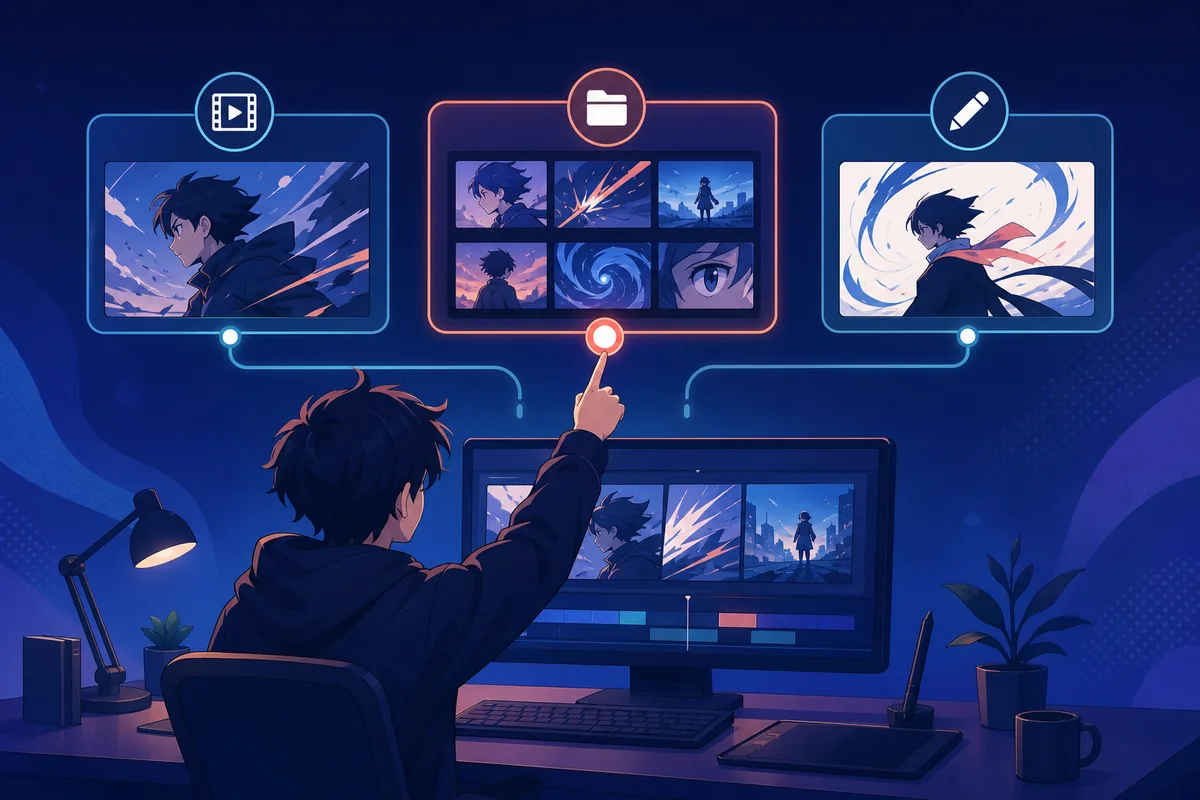
Quick Answer: Where Should You Get Anime Clips for Edits?
Use the lowest-risk source that can produce the scene you need. Original animation, commissioned material, licensed stock, and footage released under a clear reusable license give you the strongest position. Official trailers, press assets, and publisher social clips can be useful references, but publication does not automatically grant remix rights; read the stated terms or request permission.
If your project is commentary, criticism, review, parody, or another transformative use, a limited excerpt may qualify for an exception in some jurisdictions. There is no universal safe clip length, percentage, filter, crop, speed change, or credit line. The purpose, amount, market effect, local law, and platform policy all matter.
Do not plan around a streaming service's offline button. Netflix, Crunchyroll, Prime Video, and similar downloads are designed for playback inside their apps. Even when you paid for access, that does not normally create an editor-ready file or a license to publish the footage elsewhere.
Best default: use original or explicitly licensed footage; use copyrighted excerpts only when you have permission or a defensible, genuinely transformative purpose.
Anime Clip Sources Compared by Editing Fit and Risk
Before downloading anything, write down the title, owner or uploader, source URL, license or permission, access date, and intended use. This small source log is more useful than a folder full of anonymous files when a platform asks you to dispute a claim.
The table ranks source types by how easy they are to verify, not by visual quality. A 4K file with unclear ownership is not automatically better than a clean 1080p promotional clip with explicit terms.
| Source type | Editing fit | What to verify | Recommended action |
|---|---|---|---|
| Your own or commissioned animation | Best control over frames and exports | Written ownership and contributor agreements | Use as the default when possible |
| Licensed stock or Creative Commons work | Usually supplied as normal video files | Exact license, attribution, modification, and commercial-use terms | Save a copy or screenshot of the license |
| Official press kit or promotional asset | Often high quality and short | Publisher reuse policy and campaign restrictions | Use only within the stated terms or ask permission |
| Official trailer or social clip | Useful for review or commentary excerpts | Platform terms, uploader identity, and your transformative purpose | Link or embed when downloading is not authorized |
| Streaming-app offline episode | Poor editing fit because the file stays protected | Service terms and DRM restrictions | Use for offline viewing, not as an editable source |
| Community clip pack or scene pack | Convenient but ownership may be unclear | Who cut it, who owns the anime, and whether a license is actually granted | Treat attribution claims as evidence to check, not automatic permission |
| Anonymous episode or torrent archive | May offer large clean files | Ownership, legality, malware risk, and local law | Do not use it as the workflow recommended by this guide |
A source is editor-friendly only when both conditions are met: you can open the file, and you can justify how you are using the content.
A Download Is Not a License: Copyright and DRM Basics
Copyright normally gives the owner control over copying, adaptation, and distribution. Crediting the studio is courteous but does not replace permission. Buying a Blu-ray, subscribing to a service, or finding a download button also does not automatically transfer those rights.
Fair use in the United States and comparable exceptions elsewhere are fact-specific. Commentary that shows only the frames needed to explain a point is different from an edit that republishes the most valuable scene mainly for entertainment. A short clip can still be claimed, while a longer excerpt may sometimes be justified in a detailed critique. Avoid rules that promise a fixed number of seconds is always safe.
DRM is a separate technical and legal boundary. Streaming services encrypt offline files and bind them to an account, device, or app. This guide does not recommend screen-recording protected playback, using downloaders to defeat access controls, or converting encrypted caches. If the rights holder does not supply an editable file, choose another source, request permission, or use an original substitute.
Platform enforcement is also separate from the legal analysis. YouTube Content ID, TikTok, Instagram, and music rights systems can mute, block, demonetize, or remove a post even when you believe your use is transformative. Keep your project file, source notes, script, and evidence of commentary so you can explain what you added.
Permission question
Does the owner or license allow copying, modification, and the way you plan to publish?
Exception question
If you rely on commentary or another exception, is each excerpt necessary and proportionate to the new purpose?
Access-control question
Would obtaining the file require bypassing encryption, protected playback, or service restrictions?
Music question
Do you also have rights to the soundtrack, voice audio, and any replacement song?
A Four-Step Workflow for Editor-Ready Anime Clips
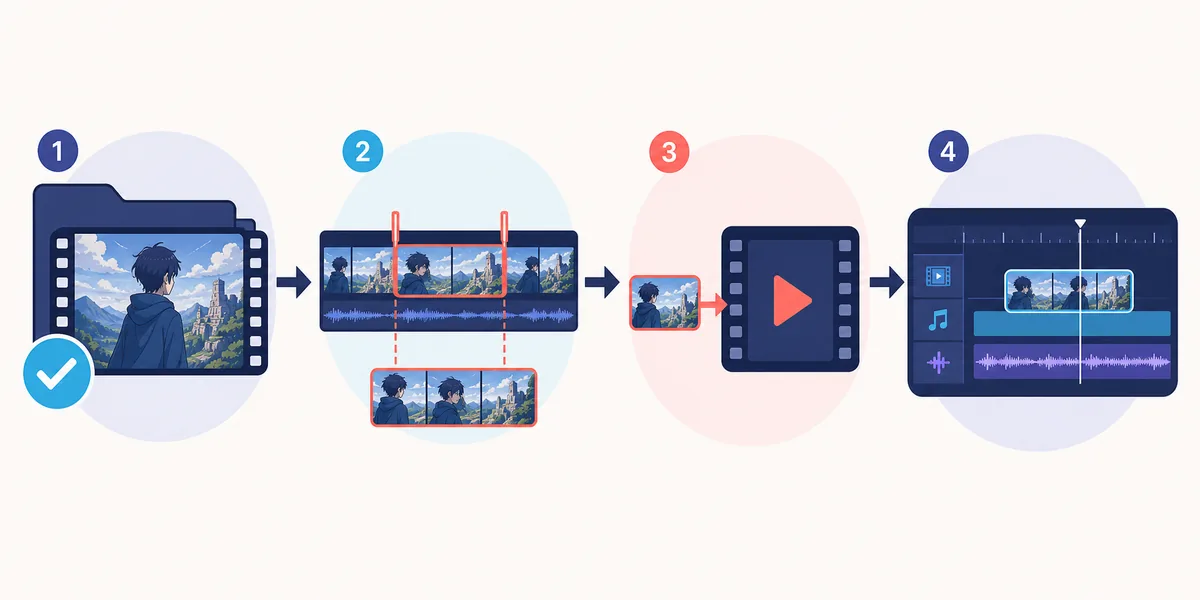
Once you have footage you are allowed to edit, work from a preserved master and make a separate editing copy. This prevents repeated downloads and lets you retry the conversion without degrading the only source file.
First, save the original file and a small text note containing its source and license. Second, identify the exact in and out points you need; for commentary, keep the excerpt no longer than the explanation requires. Third, make a mezzanine or editing copy in a format your software supports. Fourth, import it, verify audio synchronization and color, then store exports separately from source footage.
For a simple phone edit, an H.264 MP4 with AAC audio is the most compatible choice. For heavier desktop work, an intermediate codec can make scrubbing smoother but uses much more storage. Remuxing changes only the container when the existing codecs are already compatible; transcoding decodes and re-encodes the media, which can change quality.
- Create a source log before modifying the footage.
- Keep the original file read-only and edit a duplicate.
- Cut only the frames required for the new creative or explanatory purpose.
- Match the project frame rate instead of inventing 60 fps with duplicate or generated frames.
- Test the clip in your real editor before converting an entire folder.
- Keep captions, commentary, or other transformative context in the project—not only in the post description.
MP4, MKV, Resolution, and Frame Rate Settings That Actually Matter
MP4 and MKV are containers, not quality levels. An MKV may hold H.264 video that your editor can decode but cannot import from that container. In that case, a lossless remux to MP4 can be enough. If the video uses HEVC, 10-bit color, variable frame rate, or an unsupported audio codec, you may need a transcoded editing copy.
Do not upscale 1080p animation to 4K just because a social platform accepts 4K uploads. Upscaling increases file size and may sharpen compression artifacts without restoring original line detail. Likewise, converting 23.976 or 24 fps animation to 60 fps does not create new hand-drawn motion; motion interpolation can introduce warped edges and duplicate shapes.
Use constant frame rate when audio drifts in phone editors. Keep the source aspect ratio and crop only for a planned vertical composition. Export a short test before a full render, especially when mixing clips from different sources.
| Need | Practical setting | Why |
|---|---|---|
| Maximum compatibility | MP4, H.264, AAC, constant frame rate | Imports reliably in most phone and desktop editors |
| No-loss container change | Remux compatible H.264/AAC from MKV to MP4 | Avoids another video encode when codecs already work |
| Smooth desktop timeline | ProRes or DNxHR editing copy | Uses more space but reduces decoding load |
| Vertical short | 1080 × 1920 project with deliberate reframing | Keeps the subject visible instead of blindly cutting both sides |
| Standard landscape AMV | 1920 × 1080 at the source or project frame rate | Avoids unnecessary upscale and interpolation |
| Audio troubleshooting | 48 kHz AAC or PCM editing audio | Reduces sync and unsupported-codec problems |
Check the Footage, Music, and Platform Before You Publish
Review the final edit as if you were the rights holder. Can a viewer understand the new commentary, comparison, parody, or creative structure, or does the upload mainly substitute for watching the original scene? Remove unnecessary continuous footage and make your contribution visible in the edit itself.
Check music separately. A permitted video clip does not grant rights to the original soundtrack, and a licensed song does not clear the anime footage. Platform music libraries may cover only that platform and may exclude ads, client work, or cross-posting.
Finally, confirm the title and thumbnail do not imply that your edit is an official upload. Record the sources and licenses in your project notes, credit where required, and keep evidence of written permission. If the project is commercial, commissioned, or central to a business campaign, ask a qualified lawyer in your jurisdiction for advice.
- Every clip has a recorded source and permission, license, or documented rationale.
- The edit uses no more copyrighted footage than its new purpose needs.
- Music, dialogue, subtitles, artwork, and fonts have been checked separately.
- Required attribution is accurate and placed where the license requires it.
- The title, thumbnail, and description do not pretend the upload is official.
- You saved the project, source log, and permission evidence before publishing.
Red Flags When a Site Promises Anime Clips or Full Episodes
Leave a page when it hides the actual file behind browser notifications, an unrelated APK, an extension, a survey, or repeated redirects. A genuine video asset does not require you to install a codec from an unknown advertisement. Scan files and verify the extension before opening them, but remember that a clean malware scan says nothing about copyright permission.
Be skeptical of scene packs that claim copyright free without naming the rights holder or license. Also avoid packs that remove watermarks, credits, or studio marks and then treat that removal as proof the footage is reusable. A quality label such as raw, 4K, 60 fps, Twixtor, or no subtitles describes the file, not the rights.
If you cannot identify who owns the source, what terms apply, or whether the download is stable, choose a different asset. Original motion graphics, licensed anime-style stock, public-domain animation, and footage supplied by a collaborator can often communicate the same editing idea with less uncertainty.
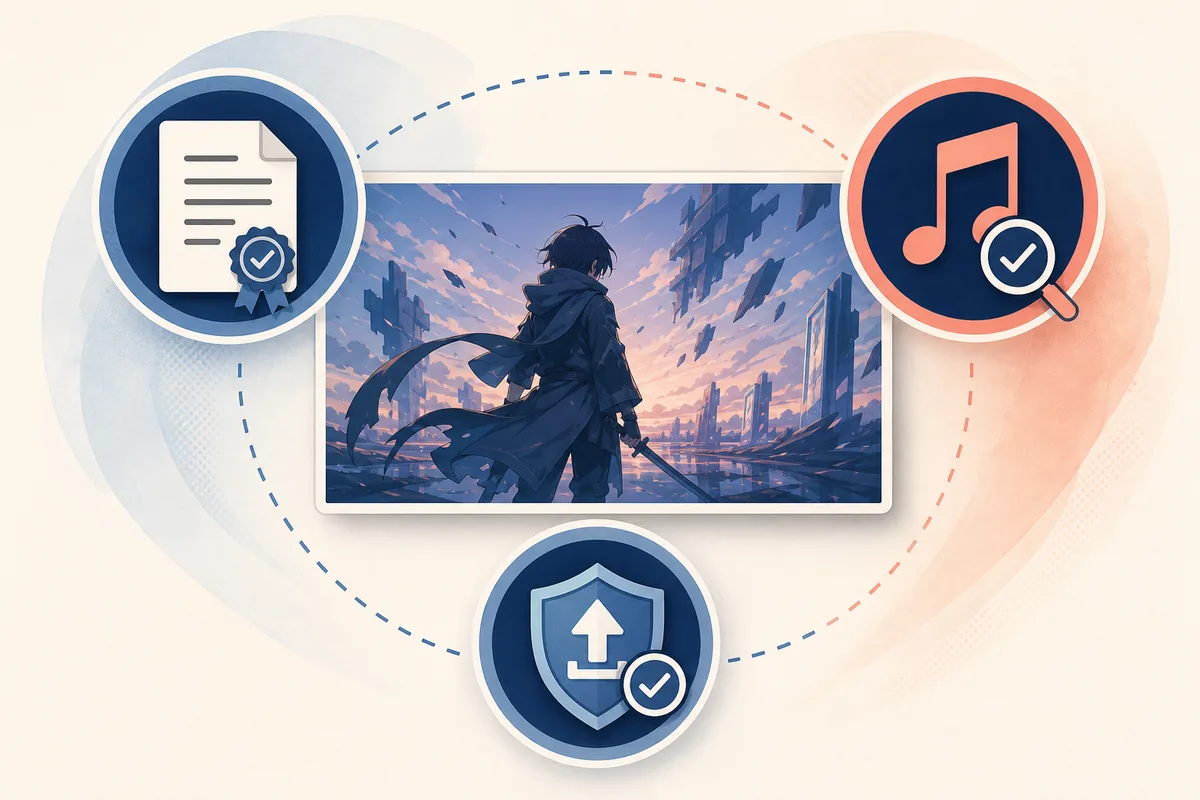
Technical quality, malware safety, and copyright permission are independent checks. Passing one does not pass the other two.
Related anime download and editing guides
- Anime download websites and legal offline options — compare official in-app downloads for watching rather than editing
- Anime downloader APK offline viewing guide — understand app downloads, storage, subtitles, and expiry
- Best free anime websites — separate licensed streaming choices from unsafe clone sites
- Anime Salt website safe-link guide — check redirects, package claims, and suspicious download buttons
Anime Clips for Edits FAQ
Bottom Line
The reliable way to download anime episodes for edits is not to start with a downloader. Start with a source you can verify, a license or purpose you can explain, and the smallest excerpt that serves the edit. Then preserve the source record, prepare a compatible editing copy, and check footage and music rights separately.
This workflow may take longer than grabbing an anonymous scene pack, but it produces cleaner project files and a defensible publishing record. When the rights are unclear, link or embed the official source, request permission, or replace the clip with original or licensed anime-style material.
Authoritative references
- U.S. Copyright Office: Fair Use Index — explains the four-factor, case-specific nature of fair use
- Creative Commons license chooser and license details — summarizes attribution, adaptation, commercial-use, and share-alike conditions
- YouTube copyright and fair use help — platform guidance on fair use, claims, and jurisdiction differences
- Google Play Anime Salt listing — checked July 24, 2026; describes a discovery app and does not verify the site's streaming APK version or direct file
Last updated: July 24, 2026