Anime Salt non funziona? 9 soluzioni sicure
Guida Android orientata alla diagnosi quando Anime Salt non funziona, dalla fonte video all’installazione che fallisce.

Indice
Quando Anime Salt non funziona, verifica se il problema riguarda un titolo, tutte le fonti, una rete o l’app intera. Questa distinzione evita di sostituire l’APK per una semplice interruzione temporanea.
Questa guida separa rete, fonte, player, cache, permessi Android, installazione e origine dell'APK.
Non reinstallare da mirror casuali per un solo episodio. Cambia fonte, svuota cache e verifica il file.
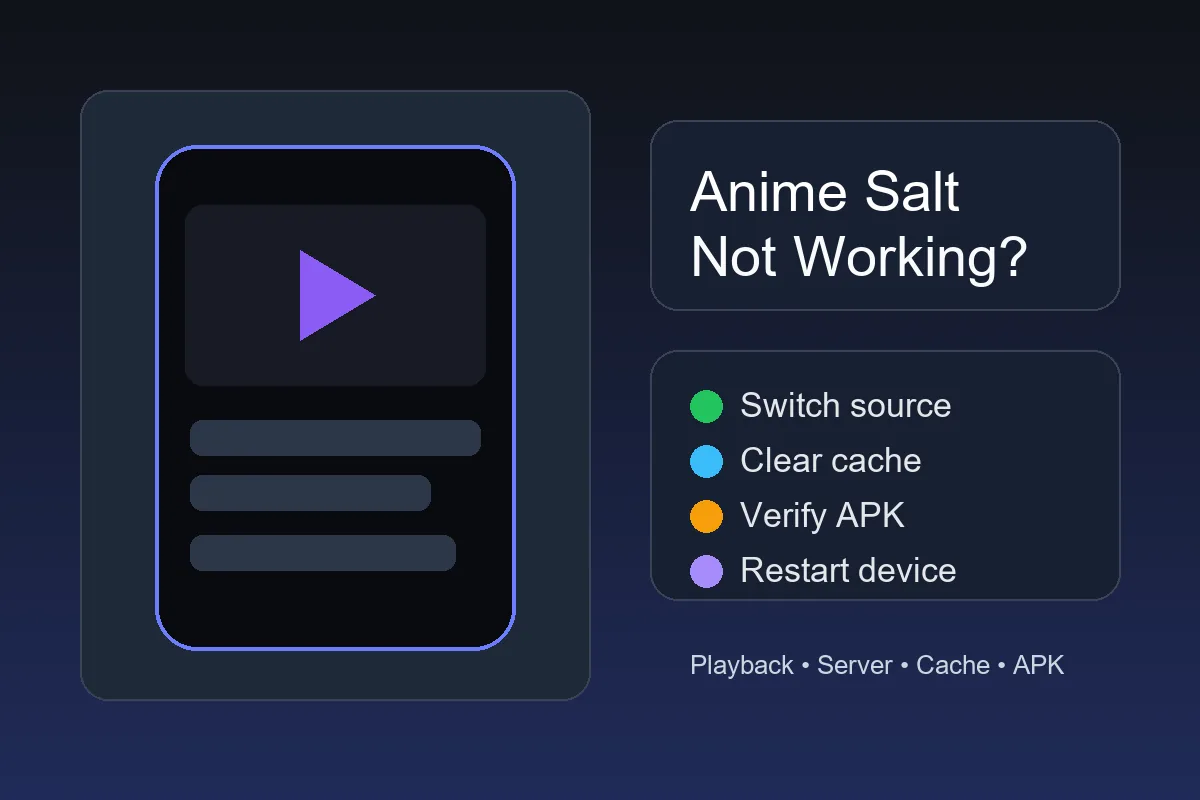
Risposta rapida: cosa provare prima?
Se Anime Salt si apre ma il video non parte, cambia fonte, abbassa qualità e ricarica. Se molti episodi falliscono, prova un'altra rete, svuota cache, riavvia e controlla memoria.
Se l'app non si apre, forza arresto, svuota cache, riavvia e conferma la fonte fidata dell'APK. Per errori d'installazione, leggi la guida Android.
Se funziona su una rete ma non su un'altra, controlla DNS, VPN, blocchi e router prima di cambiare APK.
Prima mossa
Un solo episodio rotto di solito è problema di fonte, non dell'app.
Controllo sintomi
Usa questa tabella per non perdere tempo con la soluzione sbagliata.
| Sintomo | Causa probabile | Prima soluzione |
|---|---|---|
| Un episodio non si carica | Fonte non disponibile o sovraccarica | Cambia fonte o server e abbassa la qualità |
| Tutti i video fanno buffering | Rete, percorso dell'operatore o memoria del dispositivo | Prova un'altra rete e svuota la cache |
| L'app si chiude all'avvio | Conflitto della cache, poca memoria o versione incompatibile | Forza l'arresto, svuota la cache e riavvia |
| Schermo vuoto dopo l'aggiornamento | Aggiornamento difettoso o dati app obsoleti | Svuota prima la cache; reinstalla solo da fonte fidata |
| App non installata | Permessi, memoria, conflitto di firma o APK danneggiato | Segui la guida d'installazione Android e scarica di nuovo |
| Mancano i sottotitoli | La fonte non offre una traccia di sottotitoli | Leggi la guida ai sottotitoli e prova un'altra fonte |
| Il telecomando TV non seleziona i controlli | Problema di focus o ridimensionamento dello schermo | Leggi la guida Android TV e Firestick |
Soluzioni rapide
Esegui questi passaggi in ordine. I primi non cancellano la lista né i dati dell'app.
-
Cambia fonte dell'episodio
Apri l'episodio e scegli un'altra fonte o server.
-
Abbassa una volta la qualità video
Prova 720p o 480p per separare banda e carico della fonte.
-
Ricarica il player
Chiudi l'episodio, aspetta dieci secondi e riaprilo.
-
Prova un'altra rete
Confronta Wi-Fi e dati mobili; se una funziona, l'APK probabilmente non è la causa.
-
Forza l'arresto di Anime Salt
Impostazioni Android > App > Anime Salt > Forza arresto.
-
Svuota la cache, non i dati
Usa Memoria > Svuota cache; cancella dati solo se accetti di perdere preferenze.
-
Libera spazio
Lascia alcune centinaia di MB per cache e file temporanei.
-
Riavvia il dispositivo
Riavvia per sbloccare rete, decoder e memoria.
-
Verifica la fonte dell'APK
Confronta versione, dimensione, permessi e percorso prima di reinstallare.
Capire se il problema è locale, dell'APK o del server
Prima di reinstallare, classifica il problema come locale, dell'APK o della fonte. Eviti così di cancellare una configurazione funzionante.
Usa la tabella dopo le correzioni. Se due dispositivi su reti diverse falliscono con lo stesso titolo, aspetta invece di scaricare un altro APK.
| Origine probabile | Segnali comuni | Cosa fare |
|---|---|---|
| Telefono o rete | Solo il tuo dispositivo va in buffering, crasha o mostra player vuoto. | Svuota cache, cambia rete, riavvia e riprova. |
| APK o aggiornamento | Installazione o update falliscono, o cambiano permessi. | Verifica fonte e dettagli del pacchetto prima di reinstallare. |
| Server o fonte stream | Più episodi falliscono o lo stesso titolo fallisce altrove. | Attendi, prova un'altra fonte nell'app ed evita mirror. |
| Filtro regionale o ISP | Funziona con dati mobili ma non con Wi-Fi, o viceversa. | Prova un'altra rete e controlla DNS o blocchi. |
| DNS, VPN o blocco dei contenuti | Le pagine si caricano solo in parte, alcune fonti scompaiono o la riproduzione cambia quando attivi VPN, DNS privato o un blocco pubblicitario. | Metti in pausa un filtro alla volta, riprova lo stesso titolo e riattiva l'impostazione dopo il test. |
Regola a basso rischio
Non eliminare l'app e non installare mod finché non sai se il problema segue il dispositivo, il file APK o la fonte video.
Errori di riproduzione
Controlla il percorso dello stream prima di toccare l'APK.
Correzione:
Abbassa qualità, cambia fonte e prova un'altra rete. Una sola fonte può essere sovraccarica.
Correzione:
Riapri l'episodio e prova un'altra fonte. Se tutto resta nero, forza arresto e svuota cache.
Correzione:
Aspetta e riapri. Se nessun titolo mostra fonti, controlla APK obsoleto o filtro di rete.
Correzione:
Cambia fonte; se tutte sono fuori sincronia, riavvia e chiudi app pesanti.
Correzione:
Libera spazio, ricollega il Wi-Fi e prova un episodio breve; non installare APK mod.
Installazione e update
Gli errori d'installazione o update riguardano spesso permessi, APK danneggiato, firma o memoria, non la riproduzione.
Non usare file premium o mod per un crash; verifica prima il percorso normale dell'APK.
App non installata
Elimina l'APK parziale, libera spazio, riscarica e abilita app sconosciute per il browser usato.
Errore di analisi
Controlla Android 5.0+ e scarica di nuovo; un APK piccolo indica spesso un trasferimento incompleto.
Crash dopo l'avvio
Svuota cache e riavvia; reinstalla solo se il crash continua.
L'update blocca l'app
Controlla se arriva da un altro sito; versione o firma possono bloccare l'installazione.
Fonte sicura
Una ricerca può portare a clone che promettono APK Anime Salt fixed, premium o mod. Possono aggiungere file, permessi o reindirizzamenti senza risolvere nulla.
Prima di reinstallare, confronta dimensione, versione, requisito Android, data e permessi. Se mancano dettagli, non scaricare.
Regola per reinstallare
Reinstalla solo da fonte fidata dopo cambio fonte, cache, spazio e riavvio.
Impostazioni Android
Android può bloccare APK, avvisare sulle app sconosciute, limitare l'attività in background o rendere il testo illeggibile. Modifica le protezioni con cautela.
Leggi gli avvisi Play Protect e verifica la fonte. Cambia batteria solo dopo aver confermato il file.
Google spiega Play Protect e la scansione delle app nella guida Google Play Protect .
Per il comportamento generale della memoria Android, consulta la guida Android su cache e memoria delle app .
Risorse Anime Salt correlate
- Installare Anime Salt APK su Android - per problemi di permessi o app non installata
- Attivare i sottotitoli in Anime Salt - se falliscono solo sottotitoli o lingue
- Guida ai link sicuri di Anime Salt - per verificare le pagine prima di reinstallare
- Anime Salt su Android TV e Firestick - per problemi di telecomando e schermo TV
- Risorsa per la visione offline di Anime Salt - risolvi scaricamenti bloccati e riproduzione offline
- L’app Anime Salt è sicura? - Controlla pacchetto e fonte prima di sostituire un’app che potrebbe avere solo un problema di riproduzione.
Domande frequenti
Ripara il livello che è davvero guasto
Anime Salt non funziona non significa sempre APK rotto. Il guasto può riguardare fonte, rete, cache, spazio, permessi o il trasferimento del file.
Inizia cambiando fonte e svuotando cache. Usa le istruzioni d'installazione per errori Android, conflitti o crash ripetuti; verifica ogni nuovo trasferimento.
Riferimenti
- Google Play Help: Play Protect e scansione delle app
- Android Help: memoria, cache e gestione delle app
- Risorse Anime Salt: installazione, sottotitoli, link sicuri e problemi su Android TV e Firestick
Ultimo aggiornamento: 22 ottobre 2026